

Release notes · Fall 2026 · everything we shipped since June
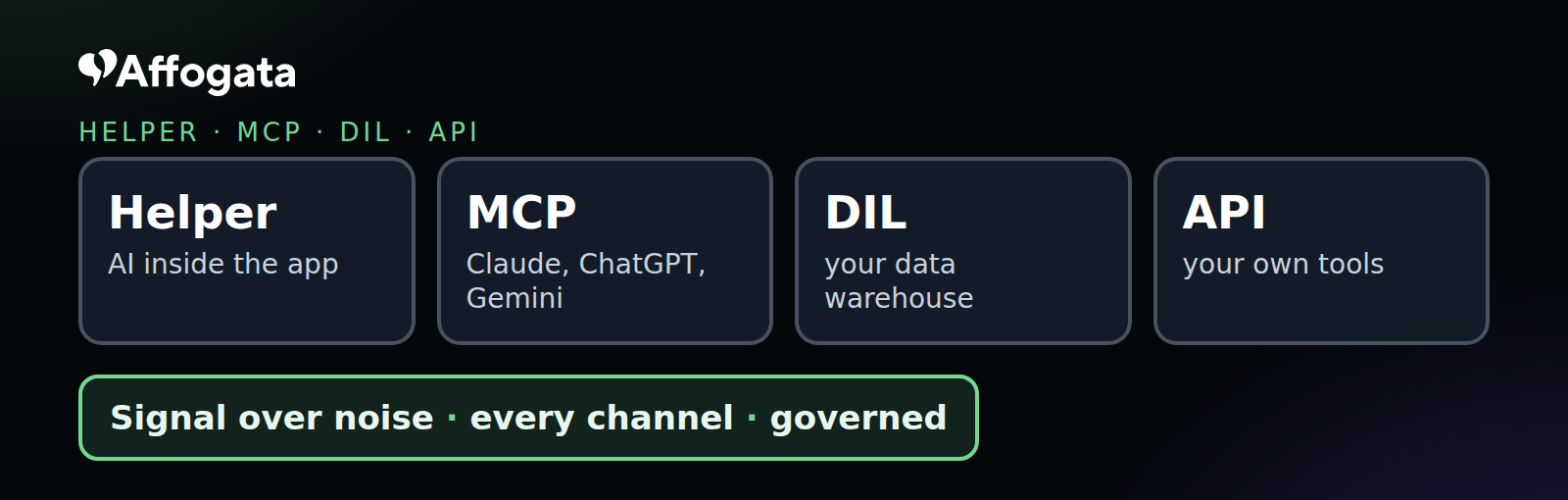
Since June, almost everything we shipped serves three big moves: your AI on your data through MCP, governance you can see and control, and the Insights Model, which explains what happened and why. All of it sits on one layer you can use four ways: Helper inside the app, MCP inside your AI assistant, the DIL inside your data warehouse and the API inside your own tools. Same data, same definitions, same governance, whichever way you come in.
Available on your account today
Connect your own AI to your Affogata data, in about 2 minutes
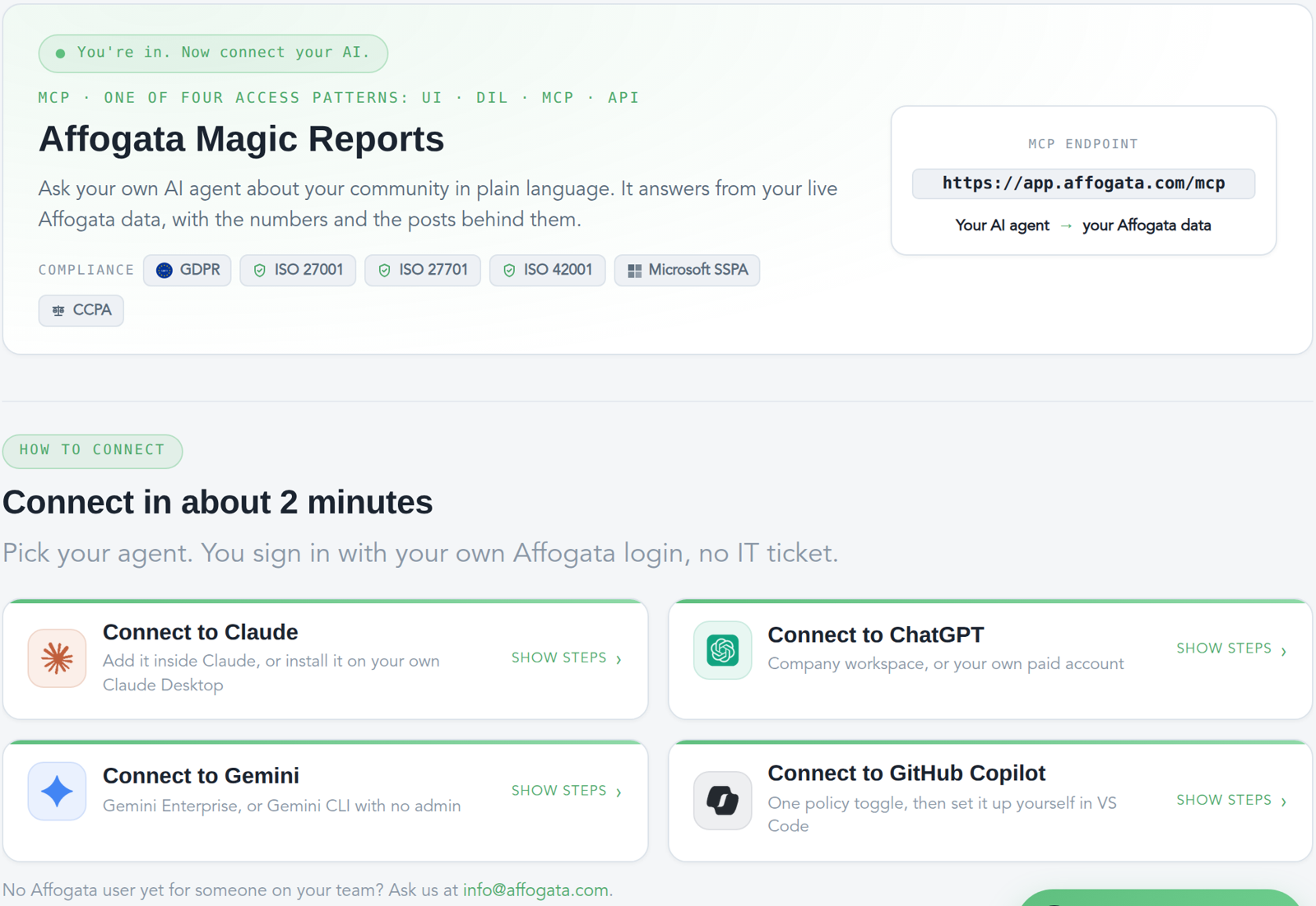
Claude, ChatGPT, Gemini or GitHub Copilot. In Affogata, open How to › Connect MCP, pick your assistant and sign in with your Affogata login. No IT ticket, read-only, and it follows the permissions you already have.
At a glance
- MCP on every major assistant: Claude, ChatGPT, Gemini Enterprise and GitHub Copilot, with filters by topic, language, country and author
- MCP-only users: a seat for people who only need Affogata inside their AI assistant
- The new Helper, built on our MCP server: same answer and the same cluster view, wherever you ask
- Governed by design: read-only MCP, logged per user, PII masked across all sources
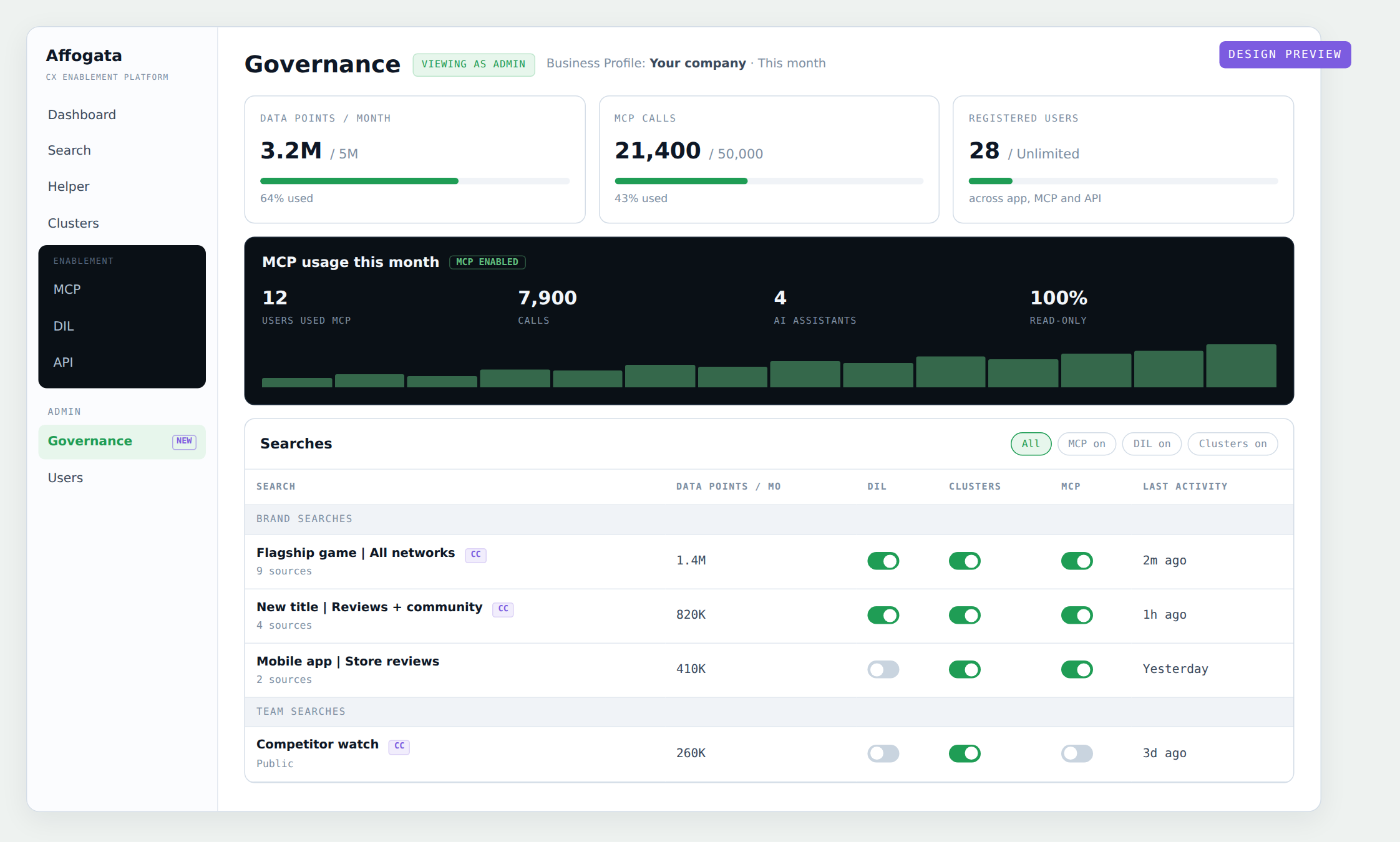
- Coming soon, the Governance page: every way your company uses Affogata, in one view
- “What happened here?” on every dashboard widget
- Coming soon, the Insights Model: the events behind every spike, with the posts that prove them
🤖 Your AI, on your data: MCP
Connect MCP on your account, today. Every Affogata user can connect their own AI assistant to their Affogata data. Open How to › Connect MCP inside Affogata, pick Claude, ChatGPT, Gemini or GitHub Copilot, follow the steps and sign in with your Affogata login. It takes about 2 minutes, needs no IT ticket, and your assistant can only read what you can already see.
Then just ask. “What drove negative sentiment after last week’s update, and show me the posts.” Your assistant answers from your live Affogata data, with the numbers and the posts behind them, and can build reports, charts and summaries on top.
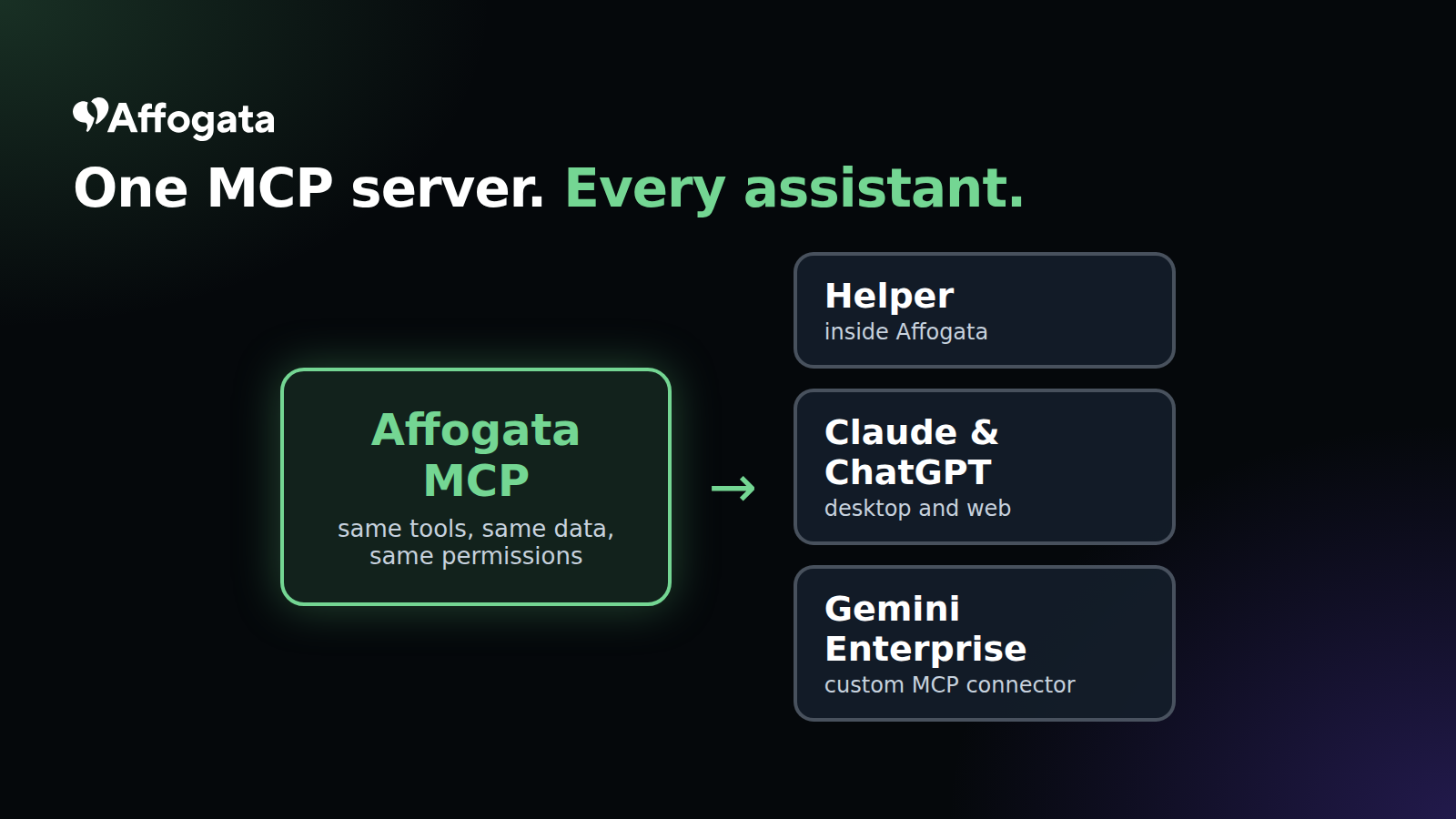
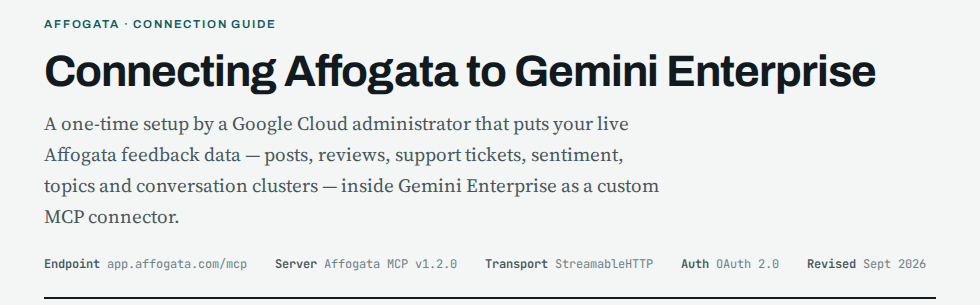
MCP on every major assistant. Affogata now runs as an MCP server in Claude, ChatGPT, Gemini Enterprise (with a setup guide for your Google Cloud admin) and GitHub Copilot. Read-only tools answer without asking for confirmation on every call, so a question flows straight through.
Sharper MCP questions. You can narrow MCP counts, posts, topic stats and trending keywords by custom topic, language, country or author, including excludes. So “what are Japanese-speaking players saying about matchmaking, leaving out our own accounts” is one question.
MCP-only users. Admins can now create users who use Affogata only through MCP and never open the app, for analysts, execs and AI agents who need answers, not dashboards. Ask your CS team to set them up.
The new Helper, built on our MCP server. Rolling out now, with a newer model. Conversation Clusters show as an interactive card inside Helper, Claude and ChatGPT: same answer, same view, wherever you ask.
🛡️ Governance, built in
Governed by design. MCP access is read-only, scoped to each user’s permissions and logged per user. PII is masked in the pipeline across all sources, GDPR deletion requests are handled automatically and data retention runs on a schedule. GDPR, CCPA, ISO 27001, 27701 and 42001, Microsoft SSPA.
Data Governance in the menu. The new left menu groups Analyze, Support, Manage and Admin, with Data Governance in one place for admins.
Coming soon: the Governance page. A Governance page for admins: how much data you use, who uses MCP and how much, and simple per-search switches for the DIL, Conversation Clusters and MCP. One view of every way your company uses Affogata, so security, data and business owners see the same picture.
🗺️ The Insights Model: what happened, and why
“What happened here?” on every widget. Hover any drill-down item on any dashboard widget, main counters included, to open Search, Helper, the dashboard or “What happened here?” from one place.
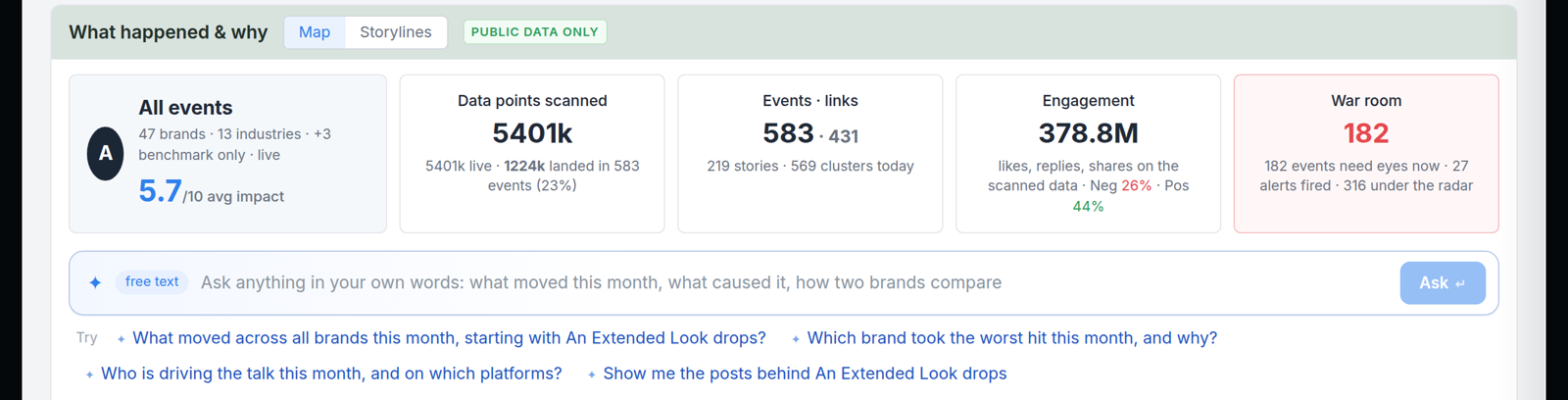
Coming soon: the Insights Model on your own data. Today you see what people say. Next, Affogata maps the events behind it: patches, launches, outages, campaigns and incidents, found from your clusters, checked against the web, dated and linked to the posts that prove them. Each event shows how big it was, how sentiment moved, and what it connects to, so “why did this spike?” has an answer with evidence. It will show up as annotations on your charts, inside Helper and over MCP. You can already explore it on public data here.
Next on the list: more MCP for admins (create and pause streams, searches and brands), and clusters and topics in the API.
Want to learn more?
Get a walkthrough of what is new on your own data, or help connecting MCP for your team. Pick a time with our team here:
Want more?
We are always happy to meet with you and your team. Set a meeting with the Affogata founders, Sharel and Itamar: